Comparison
Canva or Ouvella: which one to make a gift for your girlfriend or boyfriend?
Updated · by Milad, founder of Ouvella
You want to make something personal for your girlfriend or boyfriend, and two names keep coming up: Canva, because you can design almost anything there for free, and Ouvella. The short answer: pick Canva if you want a visual (a card, a poster, a video edit, a small website) and you enjoy laying it out yourself. Pick Ouvella if you want a gift they open scene by scene, at the moment you choose, with your voice inside, without designing anything.
Full disclosure: Ouvella is us. So we are not neutral. We stick to facts you can check about Canva (as seen on canva.com in September 2026), and we say plainly when Canva is the better pick.
In short
Choose Canva if…
- your budget is exactly zero
- you want something to print, frame or hang on a wall
- you enjoy designing every detail yourself
- you want a video edit or a small website to keep
Choose Ouvella if…
- you want them to open something, not look at a picture
- you want to pick the exact moment, or a secret word
- you want them to hear your voice
- you have no time for (or interest in) designing anything
Two tools that do different jobs
Canva is a general-purpose design tool. People use it for social posts, presentations, videos, cards, posters and websites, starting from millions of templates, photos and audio files. A gift for your partner is one use among hundreds, and that is exactly its strength: you can make pretty much anything.
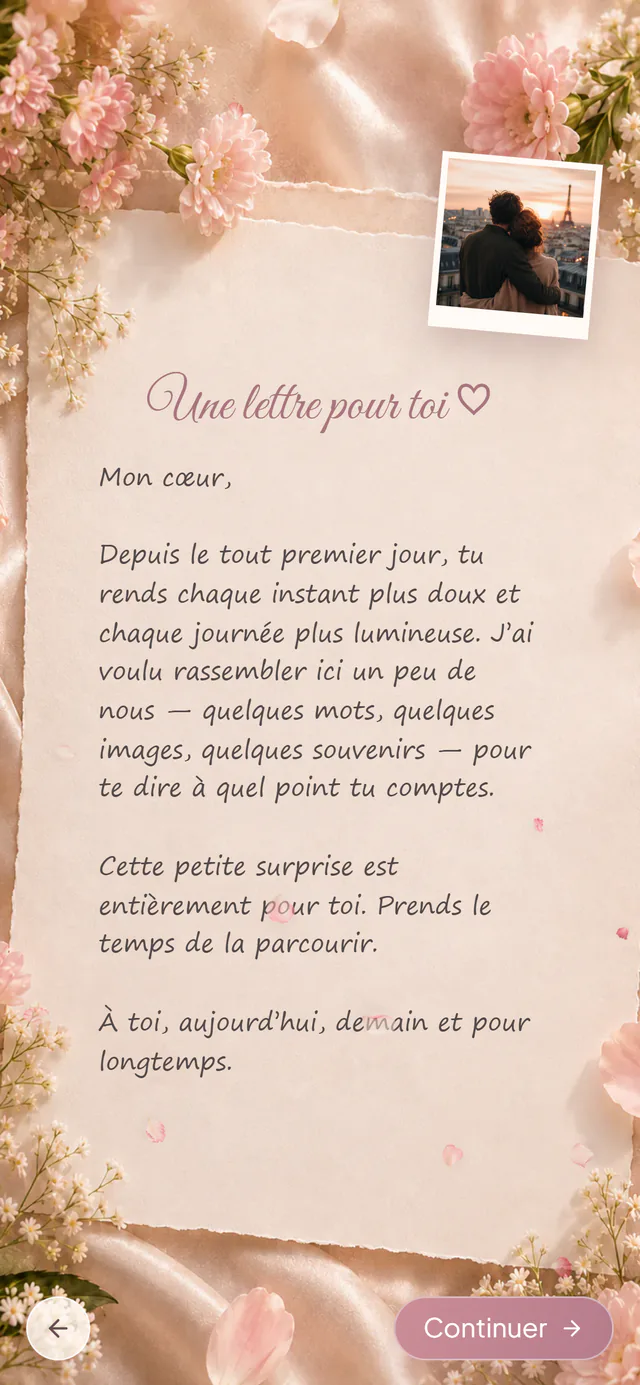
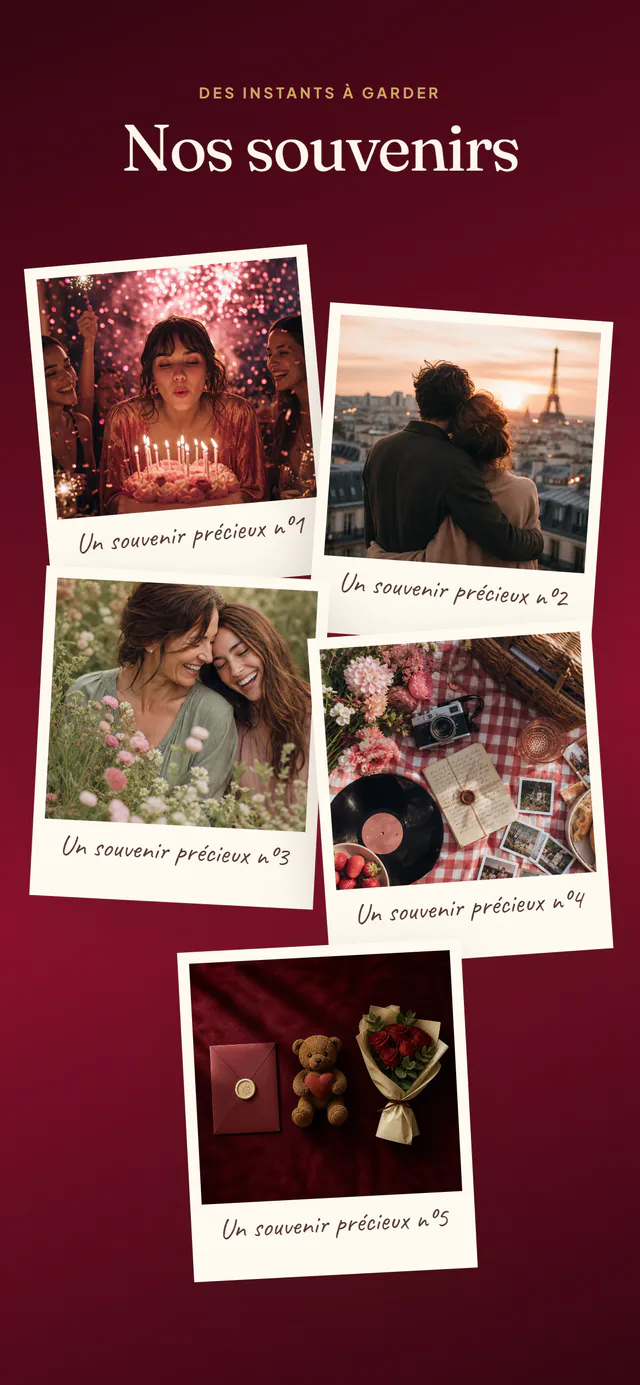
Ouvella’s mini-film does one thing only: a digital gift that opens. You pick a universe (birthday, love letter, floral, pixel, flowers, date night, picnic, parchment or apology), write your letter, add your photos, a song, a voice note and a short quiz about your story, and the person discovers it all in their browser, right up to a final reveal. The staging is already done; you only bring your story. If you are also weighing a presentation tool, see our Genially or Ouvella comparison.
Canva and Ouvella, point by point
| Criterion | Canva | Ouvella |
|---|---|---|
| Built for | Design in general: 1,000+ design types (social posts, presentations, videos, cards, posters, websites…) | Digital gifts to open, like the mini-film discovered scene by scene |
| Price | Free plan; Canva Pro listed at €110 a year for one person in France, with a free trial | €9.99 once per gift, no subscription; creating and previewing are free |
| Account | A Canva account to create; a public link lets people view the design | No account, neither to create nor to open |
| Starting point | 1.6M+ templates on the free plan, 3.6M+ with Pro | Animated universes that are already staged: you fill them in, the rest flows |
| Time | Up to you: you build the layout | About 5 minutes |
| Music and voice | Add audio tracks, sound effects and music; export as an MP4 video | Your song plus a voice note you record right in the editor |
| Timing | Visible as soon as you share the link or publish the site; sites can be password-protected | Opens right away, behind a secret word with a hint, or at an exact date and time |
| Sharing | Link, email, social media; download as JPG, PNG, PDF, MP4 or GIF | Private link or QR code, printable card included; not indexed by search engines |
| After sending | The design stays editable in your account | Editable through your private link; email on first opening; they can react |
| Printing | A real strength: high-resolution PDF, Canva’s print service in some countries | A printable QR card, nothing more |
Sources checked in September 2026: canva.com (pricing page as displayed in France, eCard maker, website builder) and the Canva Help Center (public view links, adding audio, downloading as video or GIF, website settings). Canva prices vary by country and its plans may change. Canva is a trademark of its owner and is not affiliated with Ouvella.
When Canva is the better choice
Let’s be honest: in several situations, Canva will do the job better, and often for free.
Your budget is truly zero
Canva’s eCard maker is free: you start from a template, add your own photos and animated stickers, then share the card by link, by email or on social media, or download it as an image. For a small gesture, that is plenty. Ouvella costs €9.99 when you send it.
You want something to print, frame or hang up
A poster of your memories, a folded card, a photo calendar, a “voucher for a weekend away” to slip into an envelope: that is Canva’s home turf. You export a high-resolution PDF, or use Canva’s print service in the countries where it is offered. Ouvella includes a printable card with the gift’s QR code, but it is not a printing tool.
You love making things and want every detail to be yours
On Canva, the layout, the fonts, the colors and where everything goes are entirely up to you. If spending an evening fine-tuning it is part of the gift, it is the right tool. On Ouvella, you personalize the content (the words, photos, song, voice and quiz), not the design of the scenes.
You want a video edit or a small website to keep
Canva lets you add music and sound effects to a design, then download it as an MP4 video or a GIF, or publish it as a website. According to its website builder page, free accounts can have up to five live sites on a free .my.canva.site domain, and the site settings let you add password protection and hide the site from search engines.
Going with Canva? 4 tips
- Start from an eCard, video or “personal” website template, and swap in your own photos first: that is the step that takes the longest.
- If you want the music to be heard, make a video and export it as MP4: a JPG or PNG image plays no sound.
- Before sharing a public link, delete anything you don’t want seen: according to Canva’s help pages, a public link can expose hidden or cropped content, presenter notes and even earlier versions of the design.
- For a website, set the password and the search-engine visibility before you publish.
When Ouvella is the better choice
Ouvella is not a simpler Canva. It is a different thing altogether: a gift that opens. It comes out ahead in these cases.
You want them to open something, not look at a picture
A card is taken in at a glance. An Ouvella gift is discovered: your letter, your photos to flip through, your song, your voice, a quiz about your story, then the final reveal. That is the whole difference between getting a message and opening a present.
You want to pick the exact moment
You can schedule the opening for an exact date and time, in your time zone or theirs: midnight sharp on their birthday, the morning of February 14, Christmas morning. You can hand over the link or the QR card in advance: until that time comes, the gift stays closed.
You want a secret word
You can also lock the opening behind a word only the two of you know, with a hint to help. The word is never stored in plain text and it is checked on the server: the letter and photos only appear after the right answer.
You want them to hear your voice
You record a voice note right in the editor, and it plays inside the gift. A few seconds of your voice often say what a nice font can’t. Stuck on the words? Our digital love letter page can help.
You have no time or desire to design
Everything is already put together: count on about 5 minutes. You watch the full preview for free, as often as you like, then pay €9.99 once to send it, with no subscription and no account.
You want to know when they opened it
You get an email the first time it is opened, they can react at the end, and your private link lets you fix a typo or swap a photo after sending. The gift stays online for at least 5 years.
What they see when they open an Ouvella gift
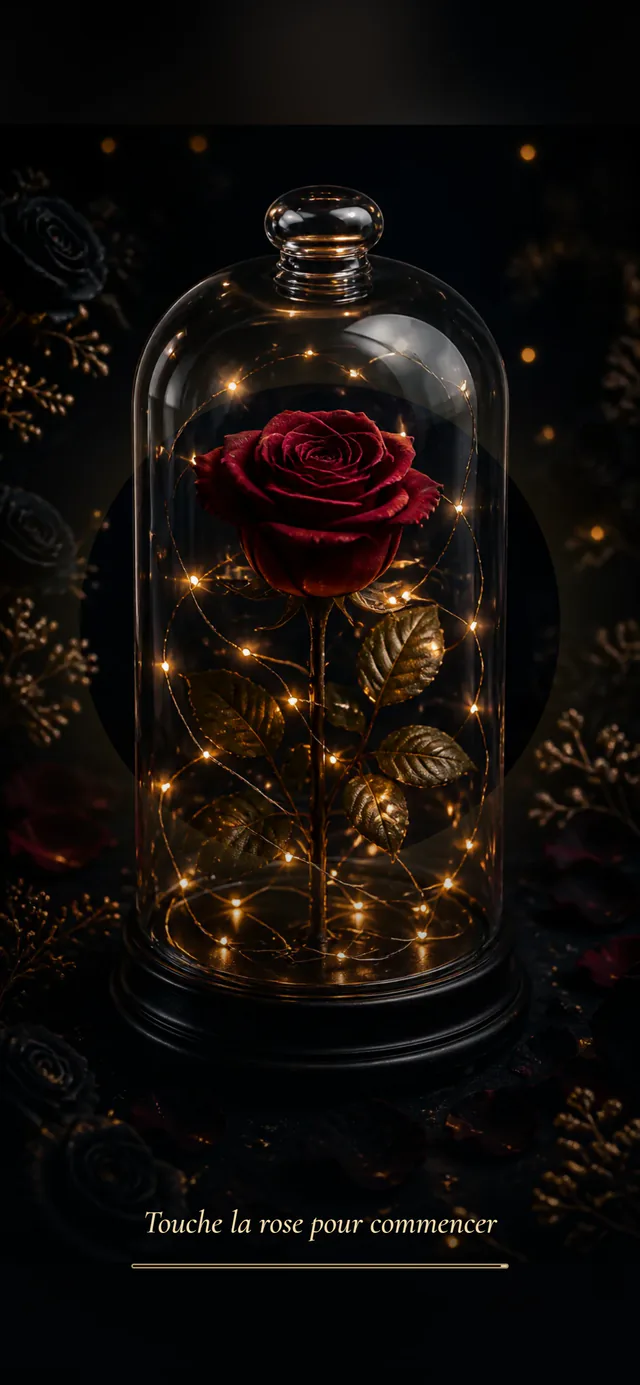
They open the link or scan the QR code, and the surprise unfolds scene by scene on their phone, like a short film. Here is what you can put in it:
A letter
The words you don’t say often enough
Your photos
A gallery to flip through
A song
Your song, one tap to play
A voice note
Your actual voice
A little quiz
A game about your story
The reveal
The message saved for last
Why not both?
The two tools work well together. Create the surprise on Ouvella, download its QR code, then drop it into a card or a poster you designed on Canva and printed. They hold a real object in their hands, scan the code, and the surprise unlocks at the time you chose. More ideas in the same spirit on our original gift for your girlfriend and original gift for your boyfriend pages.
Frequently asked questions
Can you make a gift for your girlfriend with Canva?
Yes. Canva has eCard, video and website templates you can personalize with your own photos, then share by link or email, or print. You can do it on the free plan. You do have to build the layout yourself, and the result is something to look at rather than a gift to open.
Is Canva free?
Yes, Canva has a free plan (1.6M+ templates and 5GB of storage according to its pricing page). Canva Pro was listed at €110 a year for one person on Canva’s French pricing page in September 2026, with a free trial; prices vary by country. Ouvella has no subscription: €9.99 once per gift, with a full free preview before you pay.
Can you add music and your voice to a Canva gift?
Yes: Canva lets you add audio tracks, sound effects and music to a design, then export it as an MP4 video. On Ouvella, the song and the voice note are part of the experience itself: you record your voice right in the editor and it plays inside the gift.
Can a gift be set to open at midnight?
With Ouvella, yes: the opening can be scheduled for an exact date and time in your time zone or theirs (midnight, for example), or protected by a secret word with a hint. With a Canva design, you decide when to send the link or publish the site.
How much does an Ouvella gift cost?
€9.99, paid once, with no subscription. Creating and previewing everything is free: you only pay to send it. A printable card with the QR code is included, and the gift stays online for at least 5 years.